Quick answer: Buy a TV for bright rooms, frequent daytime use, easy setup and consistently strong HDR. Consider a projector when you can dim the room, want a truly large image and have enough space for the screen and installation. The right answer depends more on your room and habits than on a headline specification.
1. The short answer
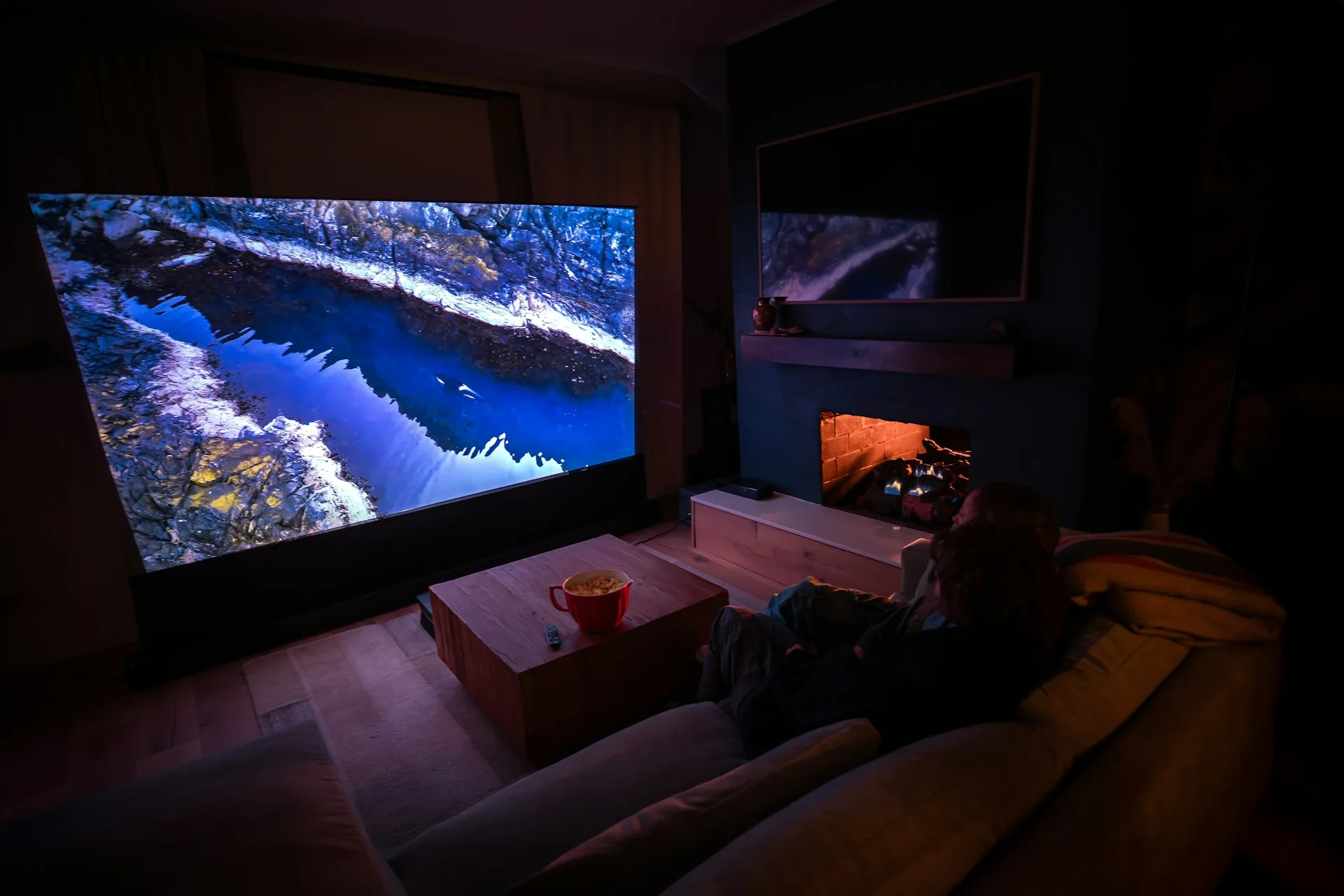
Imagine two households. One watches news, sports and streaming throughout the day in a living room with large windows. The other saves movie nights for a darkened room and wants a 110-inch image. The first household is likely better served by a television; the second has a strong reason to consider projection. Neither decision requires chasing the most expensive product.
A television is a self-contained light-emitting display. A projector throws light onto a separate surface, and the light reflected back to your eyes must compete with any light already in the room. That simple difference explains many of the practical trade-offs. Projectors can deliver huge images, but they are less forgiving of room lighting and placement.
| Priority | TV | Projector |
|---|---|---|
| Bright daytime viewing | Usually the better fit | Needs careful light control |
| 100–120-inch cinematic image | Possible but often costly and difficult to handle | Often the more practical route |
| Strong HDR impact | Usually stronger, especially on capable OLED or Mini-LED sets | More limited by available screen brightness |
| Simple installation | Usually easier | Throw distance, screen and mounting matter |
| Casual gaming | Often easier to configure | Check latency and refresh support by model |
| Large-screen movie nights | Excellent up to available sizes | Especially compelling in dark rooms |
Start here: Write down when you watch, how bright the room gets, your seating distance, the largest practical screen width and your complete budget. These five answers will eliminate more unsuitable products than a long specification comparison.
2. Room lighting changes everything
Projectors do not produce black light. When the projected scene calls for black, the screen is still reflecting light from the room, the projector's optical system and surrounding surfaces. Sunlight and ceiling lights therefore lift the apparent black level and wash out dark details. A brighter projector can help make bright parts of an image more visible, but it cannot fully restore contrast lost to a bright room.
Televisions generate their own image and generally retain usable contrast better in ordinary living-room light. A bright Mini-LED LCD television can be particularly practical near windows; OLED offers excellent dark-scene contrast, though its suitability for a very bright room depends on the particular model, reflections and placement. A glossy TV directly opposite a window can still suffer distracting reflections.
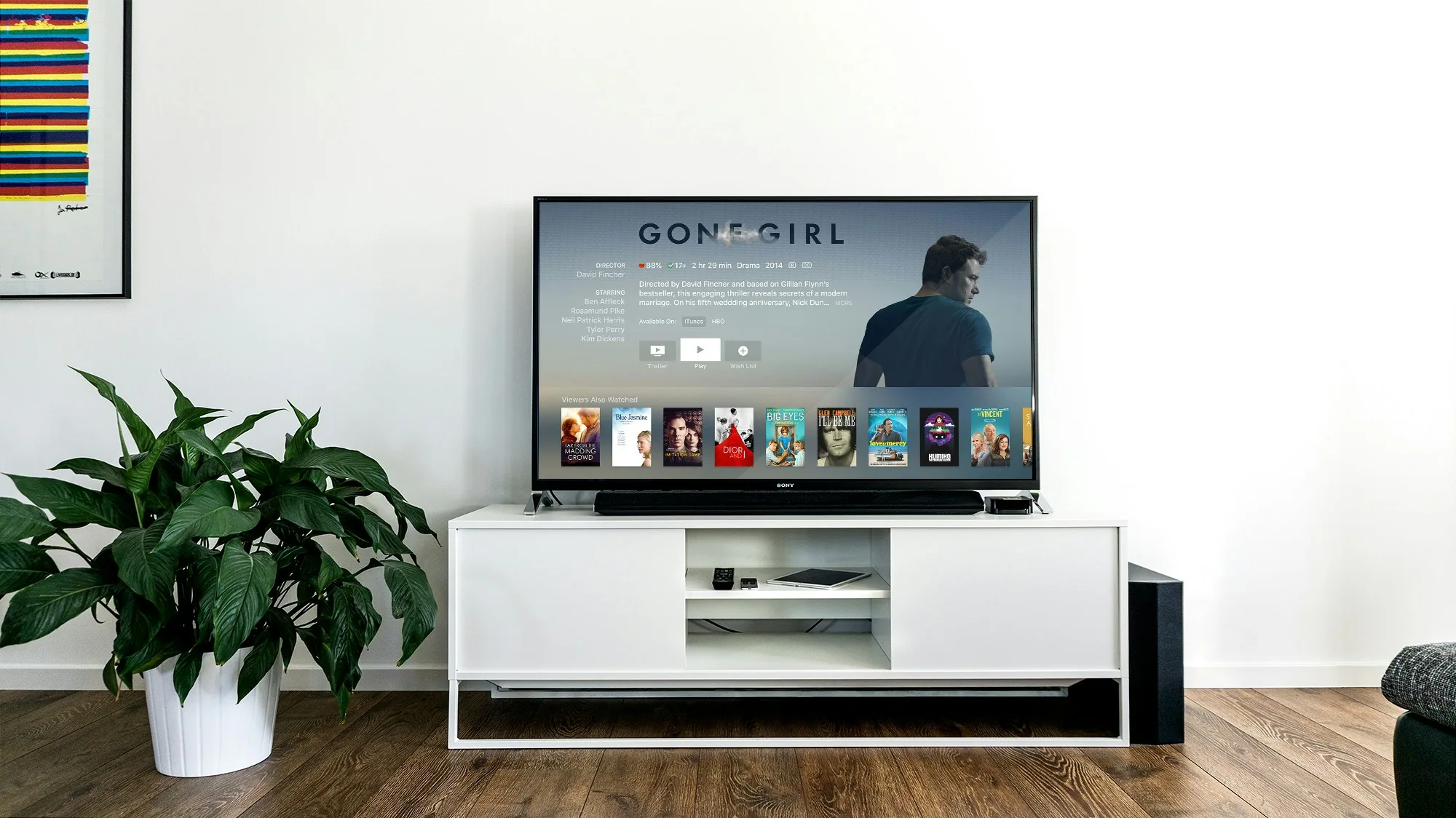
Try this before shopping: At your normal viewing time, switch off the current screen and look at the wall or screen location. Is sunlight falling on it? Can you comfortably darken the space without making the room unpleasant for everyone else? If not, prioritize a TV or plan a realistic lighting upgrade before considering projection.
An ambient-light-rejecting (ALR) projection screen may improve performance under specific lighting and projector arrangements, but it is not magic. ALR materials vary in viewing angles, gain, texture and compatibility; some ultra-short-throw projectors require screens designed for their geometry. Do not assume that any screen labeled ALR will work with any projector.
3. Screen size and viewing distance: measure, don't guess
Screen size is normally measured diagonally, not across the wall. For a 16:9 screen, its approximate width is 87% of the diagonal. That means a 65-inch TV is roughly 57 inches (145 cm) wide, while a 100-inch projection image is about 87 inches (221 cm) wide. Remember to allow space for bezels, speakers, screen borders and furniture.
Viewing comfort is personal, but a useful starting point is to consider the horizontal field of view. Around 30 degrees can feel comfortable for mixed television use; roughly 40 degrees creates a more immersive movie experience for many viewers. These are planning references, not hard limits, and individual preferences vary.
| 16:9 diagonal | Approx. image width | Distance for ~30° view | Distance for ~40° view |
|---|---|---|---|
| 55 in | 122 cm | 2.28 m | 1.67 m |
| 65 in | 144 cm | 2.69 m | 1.98 m |
| 77 in | 170 cm | 3.19 m | 2.34 m |
| 100 in | 221 cm | 4.13 m | 3.03 m |
| 120 in | 266 cm | 4.96 m | 3.65 m |
The distances above are approximate geometric examples for a flat 16:9 image, calculated from image width and field of view. They are not minimum eye-safety distances or a substitute for trying the screen yourself. Sit at your real viewing position and use masking tape to mark the proposed image edges. Watch how much you would need to move your eyes and head.
Practical example: If your sofa is about 2.5 meters from the display, a 65- to 77-inch television may already feel large. A 100-inch image can feel exciting for films, but might be tiring for fast-moving news tickers, games or casual viewing. Try both experiences before committing.
4. Projector placement and throw distance
Projection needs a second measurement that television buyers rarely worry about: throw distance, the distance between the projector lens and the screen. A projector's throw ratio is approximately throw distance divided by image width. For example, a 1.2:1 throw ratio would require roughly 2.65 meters of lens-to-screen distance for a 100-inch 16:9 image about 2.21 meters wide.
That is only an illustration. Real models have their own zoom ranges, optical offsets, lens-shift limits and installation restrictions. Check the manufacturer's throw-distance calculator and installation manual for the exact projector before ordering a screen or drilling holes. The quoted distance is generally measured from the lens, not the back of the projector.
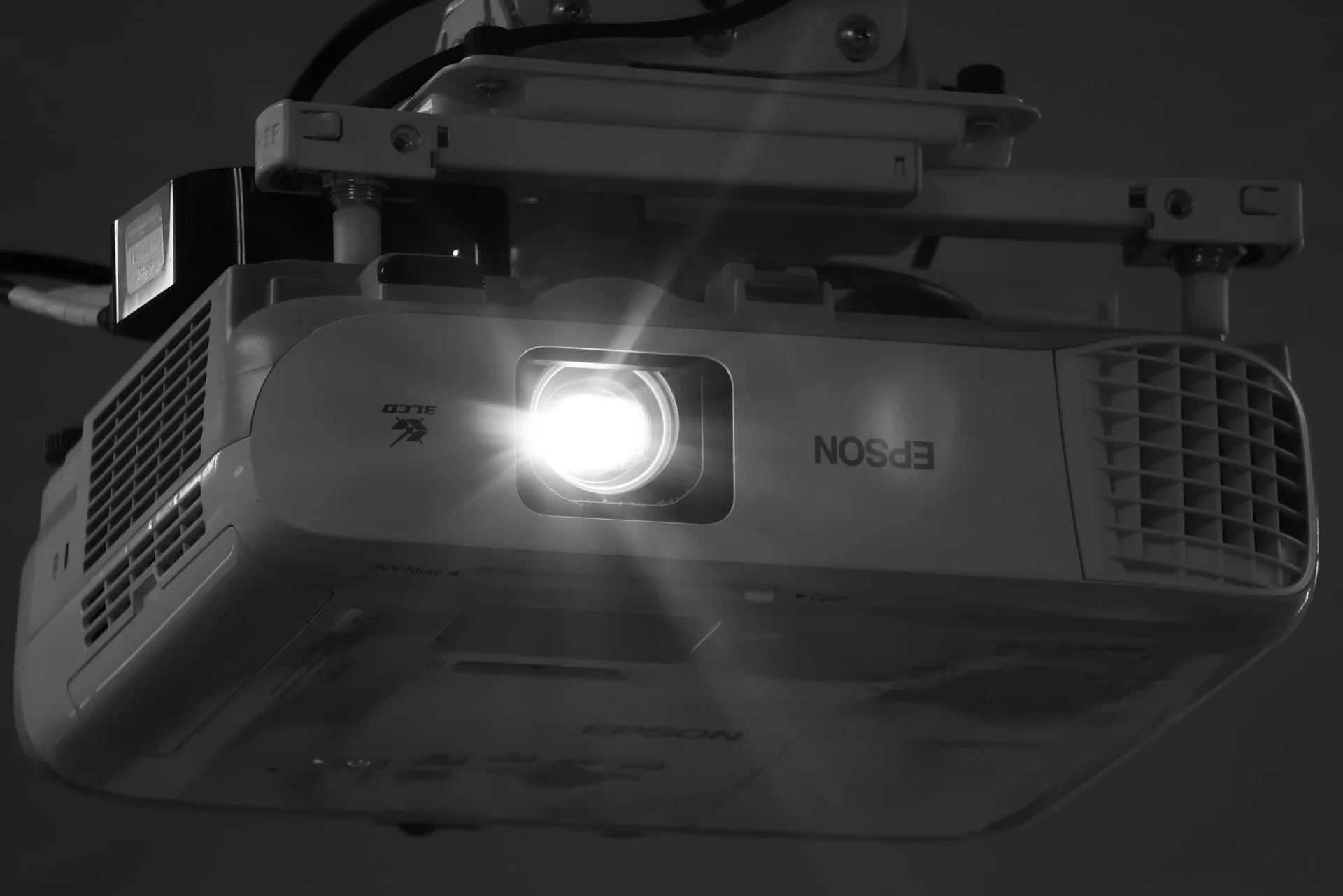
Short-throw projectors can produce a large image from closer to the screen, while ultra-short-throw (UST) models are designed to sit very close to the wall or screen. They can suit rooms where ceiling mounting is awkward, but cabinet depth, screen flatness and furniture position still matter. UST systems are especially sensitive to screen geometry and often benefit from a compatible fixed-frame screen.
Prefer correct physical placement and optical lens shift over aggressive digital keystone correction. Keystone correction may resample the picture and reduce usable image detail. Also leave manufacturer-specified ventilation clearance, plan a safe power connection and consider fan noise near the seating area.
5. Picture quality: contrast, HDR, sharpness and motion
A large picture is not automatically a better picture. At a comfortable size, perceived contrast, accurate color, smooth motion and freedom from reflections can matter more than raw pixel count. TVs usually offer the stronger combination of brightness and black-level control for high-dynamic-range content. A capable OLED can deliver exceptionally deep blacks in a dark room; a well-designed Mini-LED LCD may deliver higher bright-scene output, depending on model and settings.
Projectors can reproduce a beautiful film-like image, especially with a good screen and controlled lighting. However, HDR is challenging because projectors have far less light available on a large reflective surface than a typical TV emits directly. Projectors therefore use tone mapping to fit bright HDR highlights into their available range. Evaluate actual dark and bright movie scenes rather than trusting an HDR logo alone.
Be cautious with brightness specifications. ANSI lumens, ISO lumens and manufacturer-specific marketing claims are not always directly comparable. Brightness also depends on picture mode, zoom position, color accuracy and image size. A projector measured in its brightest mode may look less natural than in a calibrated movie mode.
Likewise, '4K support' does not necessarily mean the projector has a native 4K imaging panel. Some products accept a 4K input while displaying lower physical resolution; others use pixel-shifting technology to achieve higher apparent detail. These approaches can work well, but the terms are not interchangeable. Compare independent measurements, real images and the actual product specification.
6. Gaming, sports and everyday use
For gaming, pay attention to input lag, supported refresh rates and whether features work at the resolution you want. A television with Game Mode, HDMI 2.1 features where supported, variable refresh rate (VRR) and automatic low-latency mode (ALLM) is often the easiest match for a modern console. Not every TV port supports every feature, and not every HDMI 2.1-labeled product implements the same optional capabilities.
Some gaming projectors offer low-latency modes and high refresh rates, but those modes may disable image processing or be limited to particular resolutions. Confirm the exact supported signal combinations, including whether 4K/120 Hz, HDR or VRR are actually available, rather than assuming that a high advertised refresh number covers everything.
For sports, daytime brightness and easy switching between channels or apps often favor a TV. For cinematic single-player games or a large-screen event in a dark room, projection can be terrific. Consider who else uses the room: a display that requires closing every blind for a five-minute video may not fit a busy household.
7. Sound, streaming and connectivity
Most televisions include speakers and smart-TV apps, making them usable immediately. Built-in sound is not always impressive, but it gives you a simple starting point. Projector speakers are often best treated as a convenience rather than a full home-cinema solution, particularly if the projector sits behind the audience.
For either display, a soundbar can be a straightforward upgrade, while an AV receiver with separate speakers offers greater placement and expansion flexibility. A center speaker can improve dialogue clarity when correctly positioned and configured. Read our beginner home theater setup guide for a practical room-first plan.
Plan where your sources connect before buying. On a TV, HDMI ARC or eARC can return audio to a soundbar or receiver; on a projector, connectivity varies substantially. A long HDMI cable run from the projector to the equipment rack may need a carefully specified cable or active solution. For connection details, see HDMI ARC vs eARC.
Do not forget the everyday experience: remote controls, wake-up behavior, streaming-app availability, firmware support and how easily other family members can use the system. Convenience is a genuine feature, not an afterthought.
8. Compare the real total cost, not the sticker price
A projector can look inexpensive compared with a very large TV until you add a suitable screen, mount, long cables, light-blocking curtains and external sound. Conversely, a large TV can have delivery, wall-mount and furniture costs, especially when its size makes installation difficult. The correct comparison is a complete working setup for the same room.
| Cost item | TV setup | Projector setup |
|---|---|---|
| Main display | TV | Projector |
| Image surface | Built in | Wall or preferably appropriate screen |
| Mounting | Stand or TV wall mount | Projector mount or cabinet; screen mounting |
| Light control | Helpful for reflections | Often central to image quality |
| Audio | Built-in sound usable initially | External audio often desirable |
| Signal cables | Usually short | May require longer, more carefully planned runs |
| Ongoing costs | Electricity; potential repair | Electricity; possible lamp replacement on lamp-based models |
Entry-level budget: If your total budget is tight and the room is bright, prioritize a sensibly sized TV with reliable software and enough HDMI inputs. A cheap projector promising an enormous picture may disappoint if you cannot darken the room or if its light output and optics are poor.
Midrange budget: Compare a good 65- to 85-inch TV against a projector plus screen and audio. If films dominate and you can control light, a projector starts to make more sense. If mixed daytime use dominates, a TV may remain the better value.
Higher budget: Consider a premium OLED or Mini-LED TV for contrast and convenience, or a carefully installed dedicated projector system with an appropriate screen, room treatment and sound. The room itself often determines which upgrade makes the biggest difference.
These are purchase strategies, not fixed euro price brackets. Prices, model availability, warranty terms and technology change. Check current local prices and independent reviews when you are ready to buy, and do not spend the full budget on the display alone.
9. What works best in five real-world rooms
A bright family living room
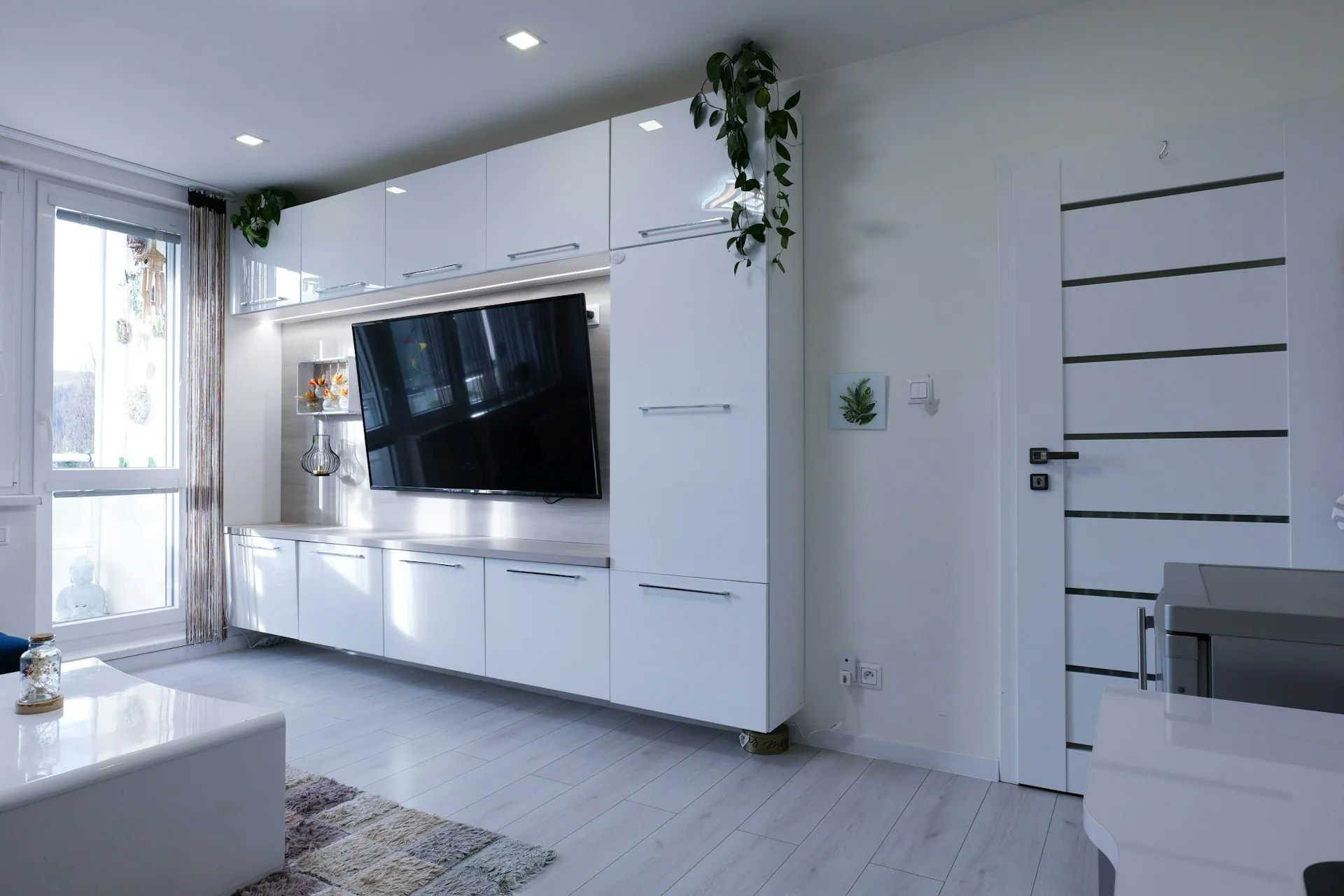
Choose a TV first. Look for adequate real-world brightness, manageable reflections and a screen size that suits the sofa. A projector could work for occasional night-time movie sessions, but it should not be the default choice if curtains remain open most of the day.
A dedicated dark movie room
Give projection serious consideration. A 100- to 120-inch screen can create a compelling sense of scale when the room supports the throw distance and seating position. Budget for the screen, mounting, ventilation and sound rather than choosing the projector alone.
A small apartment
Measure wall width, seating distance and where equipment will sit. A 55- to 65-inch TV may provide a cleaner and more comfortable result than forcing a huge projected image into a short room. If you rent, a TV stand may also avoid complicated mounting and cable runs.
A shared gaming and movie room
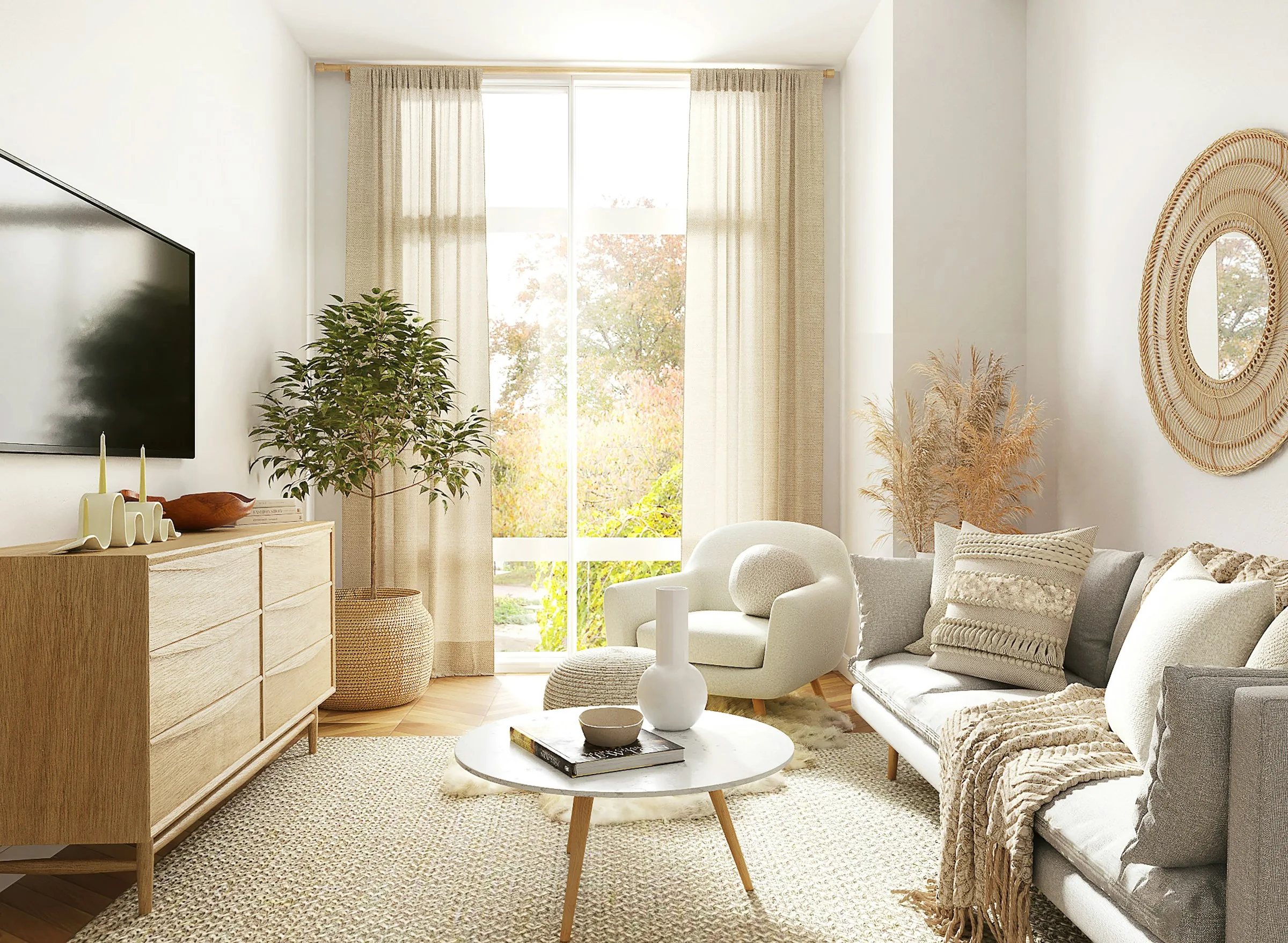
A TV is the safer all-round starting point when gaming performance, daytime use and easy switching matter. A gaming projector is an option if you prioritize screen size and can verify latency, refresh-rate support and light control for the exact model.
A room used only for occasional movie nights
Think about the setup ritual. A projector with a retractable screen can preserve a clean room when not in use, but it may require more effort each time. If the system needs to be effortless for children, guests or other family members, a TV might deliver more actual enjoyment.
10. Common mistakes to avoid
- Shopping by diagonal alone: A huge image is less useful if the room is too bright or viewers sit uncomfortably close.
- Confusing brightness claims: Marketing lumens may not describe usable brightness in an accurate picture mode.
- Ignoring the screen: Projector performance depends on the screen surface, its gain and the room around it.
- Forgetting the throw calculation: Not every projector can fill a 100-inch screen from the same distance.
- Assuming every HDMI port is equal: Verify the exact ports and supported gaming/audio features.
- Buying before checking reflections: Both TV glare and projected-image washout can be serious distractions.
- Leaving no budget for sound: A large image with hard-to-understand dialogue is a frustrating upgrade.
- Relying on an untested white wall: Wall texture, unevenness and color can compromise a projected image.
11. Your room-first decision checklist
- Measure the screen wall, viewing distance and furniture depth.
- Observe the room at the hours you usually watch, not just at night.
- Decide whether a roughly 65- to 85-inch TV is enough or you genuinely want 100 inches or more.
- For a projector, calculate lens-to-screen throw distance using the exact model's manual.
- Check mounting, power, ventilation, audio and cable paths.
- For gaming, verify input lag, resolution, refresh and VRR on the actual product.
- Compare complete installed costs, including screen and light control.
- Read independent reviews and check local prices before buying.
Final recommendation: For most bright, multipurpose living rooms, start with a good TV. For a dedicated or reliably darkened movie room where image size is the main goal, a well-planned projector setup can be the more satisfying choice. The best display is the one that works on an ordinary Tuesday, not only during a showroom demonstration.
Frequently asked questions
Is a projector better than a 75-inch TV?
Not automatically. A projector can deliver a larger image, but a good 75-inch TV is usually easier to use in daylight and can produce stronger HDR highlights. Choose according to room light, viewing distance and the size you actually want.
Can I use a projector in a bright living room?
Yes, but expect reduced contrast unless you control light and choose an appropriate projector/screen combination. An ALR screen can help in some arrangements, but it cannot make a bright room behave like a dark theater.
Is a white wall good enough for projection?
It can be acceptable for a temporary trial if the wall is smooth, flat and neutral-colored. A purpose-made screen generally offers more predictable geometry and reflectivity, particularly for large images or ultra-short-throw models.
Do projectors need expensive replacement lamps?
Some lamp-based projectors eventually require replacement lamps. Laser and LED light-source models typically avoid routine lamp changes, though their light sources still age. Check the model's rated service life and warranty rather than assuming all projectors have the same maintenance.
Is a projector good for PS5 or Xbox gaming?
It can be, provided the exact model supports acceptable input lag and the resolution/refresh combination you want. TVs more commonly offer a convenient combination of VRR, ALLM and high-refresh HDMI inputs.
What is the best projector screen size for a small room?
There is no universal answer. Measure seating distance, wall width and available throw distance, then mock up the image. A smaller screen that fits comfortably is better than an oversized one you dislike watching.
Sources and further reading
For product-specific decisions, consult installation guides and official specifications for the exact model. Useful primary references include:
- ProjectorCentral Projection Calculator — model-specific throw and image-size planning; confirm results against the manufacturer's manual.
- HDMI Licensing Administrator — HDMI feature descriptions and specifications; individual features depend on product support.
- RTINGS: Display resolution explained — background on resolution and viewing distance.
- CinemaTechHQ: Home Theater Setup for Beginners — complete room-first planning checklist.
- CinemaTechHQ: OLED vs Mini-LED — a focused comparison of TV display technologies.
Editorial note: This guide provides general planning advice, not claims of firsthand testing. Specifications and prices should be checked against current product documentation before purchase.